


To install the Web App onto an Apple device
In iOS26 tap on the share button at the top of the screen
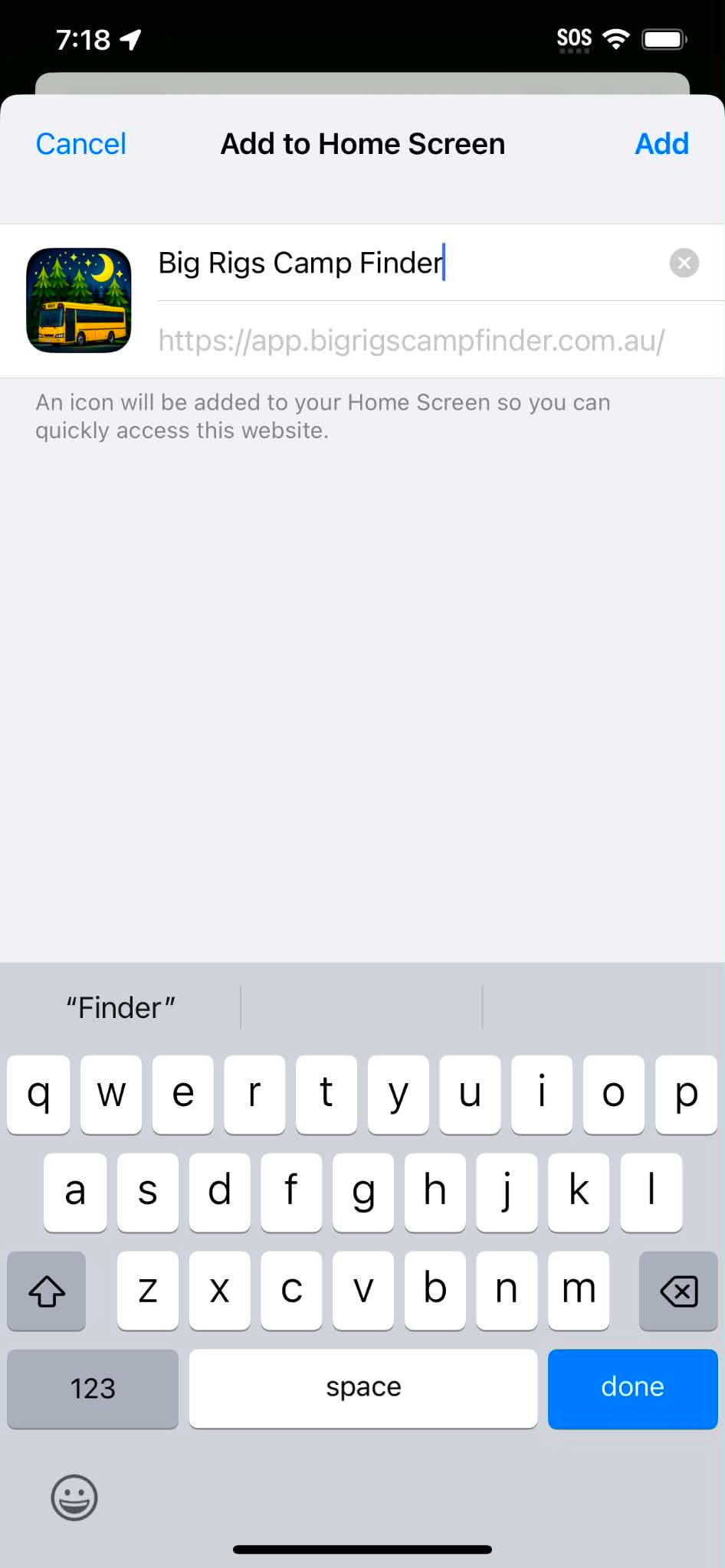
Tap on the Add to Home Screen
Tap Add
Ready to hit the road?
iOS Installation
Android Installation
To install the Web App onto an Android device
Tap the share button at the top of the screen
Tap Install and Create Shortcut
Tap Install


To install the Web App onto an Apple device
In iOS18 tap on the share button at the bottom of the screen
Tap on the Add to Home Screen
Tap Add


The app has specifically been built as a Web App only.
Click on the button above to download the App.
Sign Up through the APP
Answer the questions
Get approved


To install the Web App onto an Android device using Chrome
Tap the 3 dots at the top right of the screen
Tap Install and Create Shortcut
Tap Install

Australia Wide • Big Rigs Only
© 2026 Big Rigs Camp Finder. All rights reserved.